 Nicolás Machado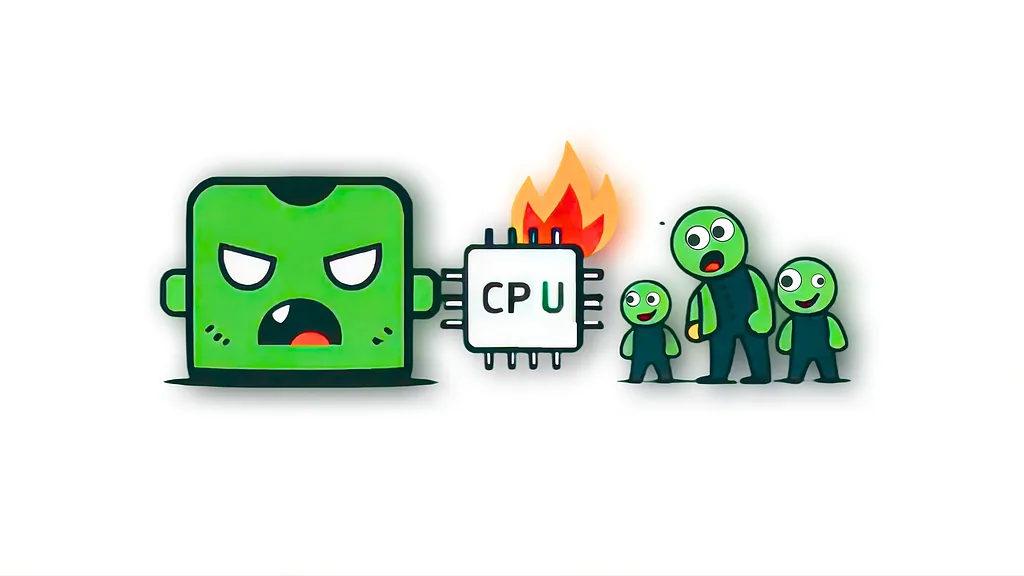
If your Node.js API freezes, it’s usually not “Node being slow.” It’s heavy OS work + broken async control.
Two classic mistakes:
Using exec() for big tasks
Letting promises and processes run forever
Problem #1: exec() Eats Memory
exec() buffers all output. Large PDFs, videos, or logs will:
Blow up RAM
Block the event loop
Freeze your API
Problem #2: Promises That Never Stop ☠️
Even with spawn, you can leak CPU if you:
Use Promise.race() without killing the loser
Resolve/reject a promise but leave the process running
Forget timeouts or signal handling
Result: zombie processes burning CPU.
The Right Way: spawn + Lifecycle Control
Example using a simple CLI command (ffmpeg), but this applies to any tool:
const { spawn } = require('child_process');

function convertVideo(input, output, timeout = 15000) {
  return new Promise((resolve, reject) => {
    const ffmpeg = spawn('ffmpeg', ['-i', input, output]);

    const timer = setTimeout(() => {
      ffmpeg.kill('SIGKILL'); // kill the real work
      reject(new Error('Conversion timed out'));
    }, timeout);

    ffmpeg.on('close', code => {
      clearTimeout(timer);

      if (code === 0) {
        resolve();
      } else {
        reject(new Error(`ffmpeg failed (${code})`));
      }
    });

    ffmpeg.on('error', reject);
  });
}
This guarantees:
No buffered output
No dangling promises
No runaway CPU
spawn vs fork
Use spawn: CLI tools (ffmpeg, git, docker, gs, python)
Use fork: Only for another Node.js process with IPC
Takeaway
Freezing Node apps aren’t just a memory problem. They’re a control problem.
Stream heavy work with spawn
Always resolve or reject
Kill what you start
Don’t forget that!