 Alejandro Gonzalez
There are too many tools launching every week.
New AI layers. New design copilots. New generators. New platforms promising to change everything.
Keeping up has honestly become a job on its own.
So instead of trying everything blindly, I started testing a few tools that felt different. Specially tools that solve specific problems in real workflows.
Here’s what I found.
1. Avatune: Shipping Avatars as a System
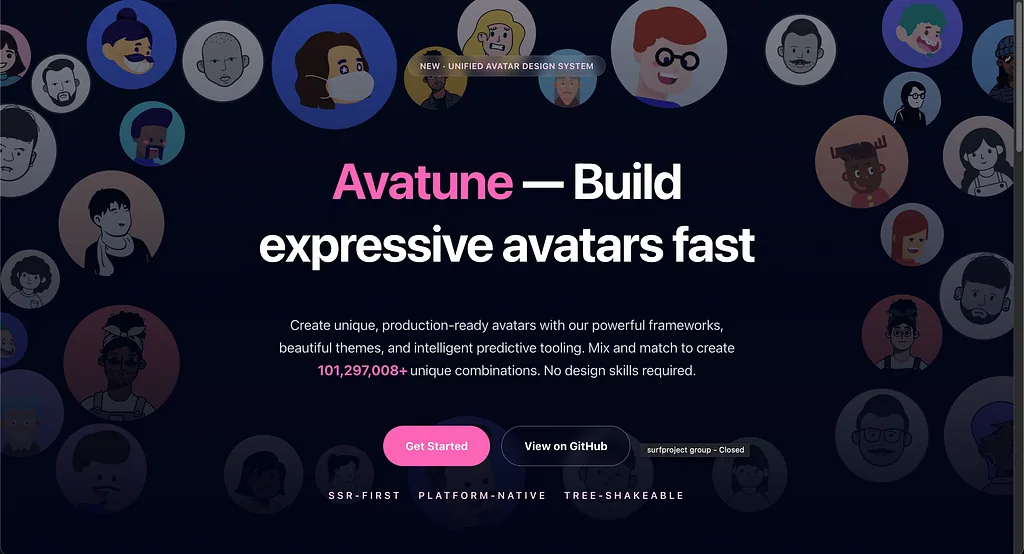
Avatune is not an inspiration site. It’s not a visual toy. It’s a developer-focused avatar toolkit designed to ship customizable avatars directly inside your product.
What you actually do with it:
Choose a renderer (React, Vue, Svelte, or vanilla).
Pick a theme.
Generate scalable avatar combinations from a structured system.
This matters if avatars are a real product feature. Think dashboards, SaaS tools, internal platforms, communities. Instead of manually designing dozens of avatar variations, you define a system and let it scale.
Important clarification: This is different from https://avatune.ai, which focuses on AI portraits and headshots. Two completely different products.
When it makes sense: If avatars are part of your product architecture and need to be consistent and customizable.
2. GoodCart: Focused Ecommerce Pattern Research
GoodCart - Ecommerce UI & UX Design Inspiration
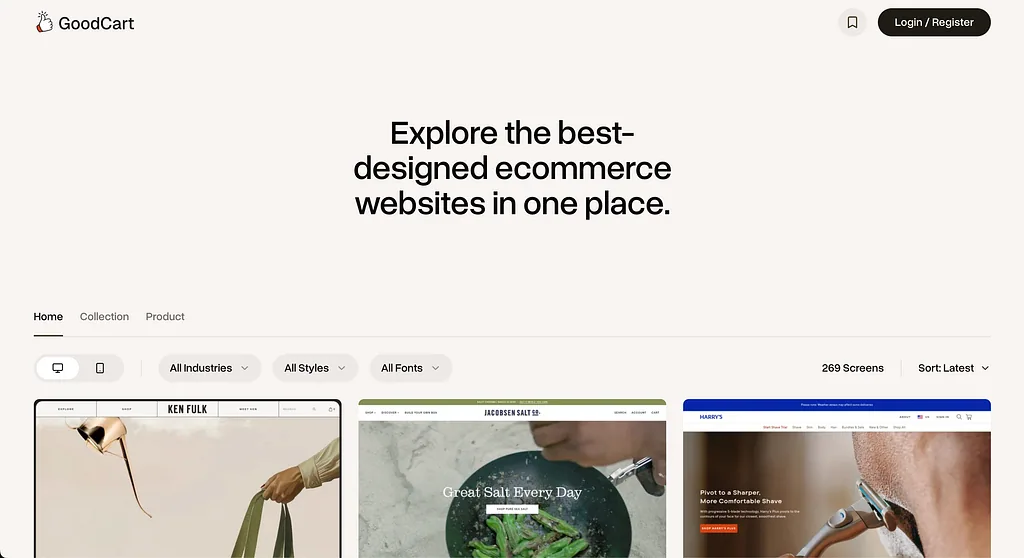
GoodCart is a curated ecommerce UI inspiration library. That word curated is important.
You browse real ecommerce websites and filter by:
Page type (home, PDP, checkout, collections)
Industry
Device (mobile vs desktop)
Style
This isn’t AI-generated content. It’s pattern research grounded in what real stores are shipping.
When you’re redesigning ecommerce, you don’t need random Dribbble shots. You need to understand how real flows are structured and how others solve friction.
When it makes sense: If you’re working on ecommerce and want fast benchmarking without losing hours searching manually.
3. Banani: AI UI Copilot for Fast Exploration
Banani | Generate UI from Text | AI Copilot for UI Design
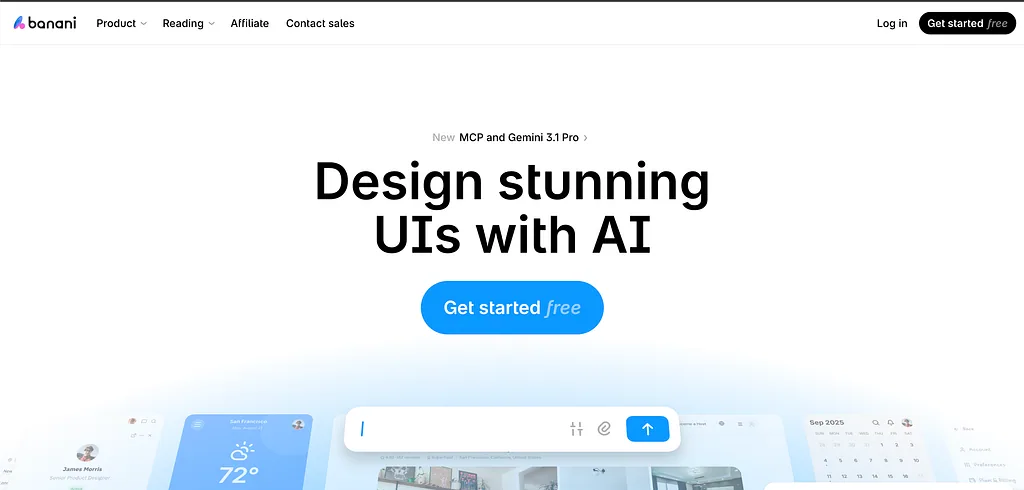
Banani sits in the AI UI generation space. It works as a copilot that helps you move from idea to interface quickly.
What you can do:
Describe a screen or flow in text → generate UI
Upload a screenshot → convert it into editable wireframes or UI
Generate multi-screen flows
Push results toward Figma via export or copy workflows
It’s not meant to replace real design work. It’s a speed layer. The value is getting from blank page to something tangible faster, especially during early exploration or discovery.
When it makes sense: If you need rapid ideation, quick variants, or a bridge from reference to something editable and structured.
4. Kittl: Brand and Marketing at Speed
Kittl | The AI-First Design Platform for Creators
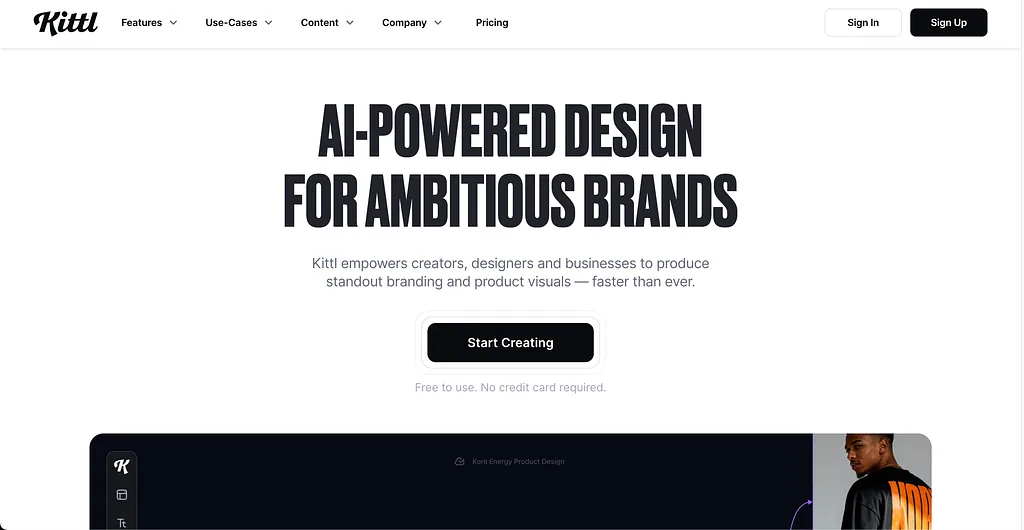
Kittl is more brand and marketing-oriented than product UI-focused.
It’s an AI-first graphic design platform with:
Templates
Mockups
Asset libraries
Built-in AI generation
Features like “Flows” for stylistic variations
You use it for:
Typography-heavy visuals
Ads
Merch graphics
Product imagery
Social content
When it makes sense: If you’re shipping brand or campaign outputs fast and don’t want to jump between multiple tools.
More coming in #2.