 Alejandro Gonzalez
This is not a list of the “best AI tools on the market”. It’s a list of tools I actually use, or actively test, in real product and design work. Tools that help me think better, move faster, and reduce friction without breaking the process.
Figma (Make + Native AI)
https://www.figma.com/es-es/make/
Figma is no longer just a design tool. With Figma Make and its growing set of native AI features, it’s becoming a central place where design, content, images, and logic start to connect.
The main AI features I use are:
Figma Make (idea to UI): I use Make to go from a rough idea or description to an initial layout or structure. Not as a final solution, but as a fast starting point that helps me avoid staring at a blank canvas.
Text and microcopy rewriting: I use the built-in rewriters to unblock copy, labels, helper texts, or empty states. I always edit the result, but it helps me move forward faster.
Image generation (Nano Banana and other models): For placeholders, concepts, or simple visuals, generating images directly inside Figma avoids context switching. It’s especially useful early on, before real assets exist.
I don’t use Figma’s AI to make final decisions or define the product. I use it to reduce friction, accelerate exploration, and keep momentum, while judgment, structure, and experience stay in my hands.
Google Gemini
https://gemini.google.com/app?hl=es
With the latest updates, Gemini feels much more mature. I use it less as a chatbot and more as a thinking partner.
It helps me:
explore different approaches to a problem
simplify complex ideas
compare options before making a decision
sanity-check assumptions
Used this way, it adds perspective instead of noise.
NotebookLM
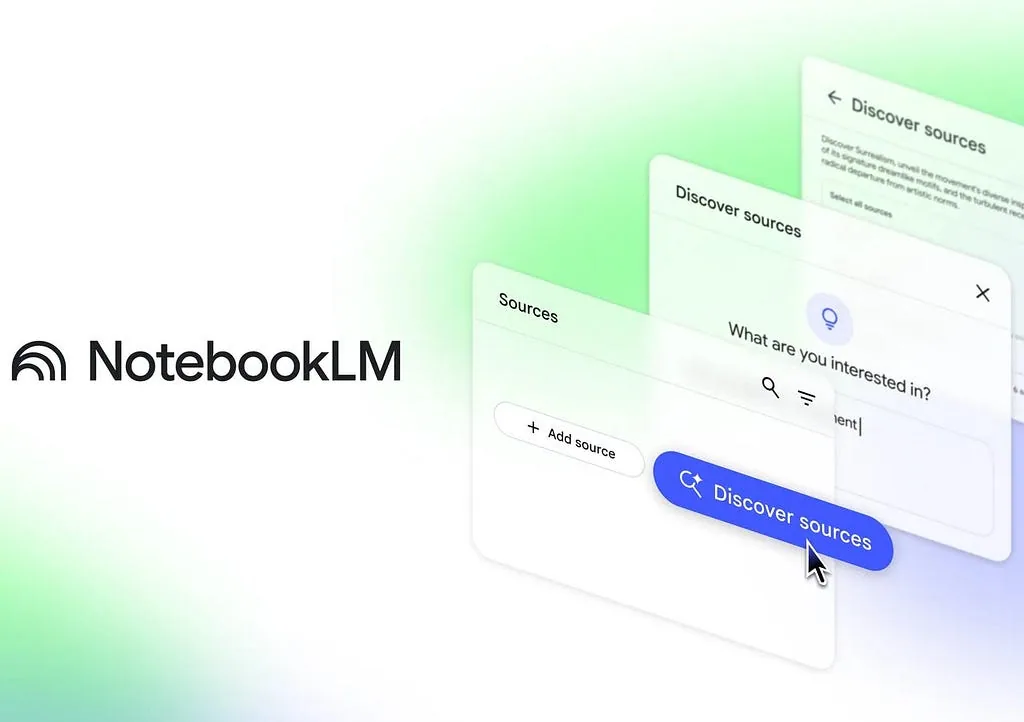
NotebookLM is one of the most solid tools I’ve used for organizing information.
It shines when you need to work with your own content:
documents, PDFs, notes, and links
summaries based on your own sources
cards, questions, and structured outputs
preparation for meetings or important decisions
It’s quiet, not flashy, but extremely useful for real work.
Stitch by Google
https://stitch.withgoogle.com/

Stitch is an experimental Google tool that generates UI layouts and frontend structures from text prompts or reference images.
What makes it interesting:
text-to-UI generation
turning rough ideas into usable layouts
export to Figma for refinement
early code generation to speed up prototyping
It’s especially useful for early exploration and for shortening the gap between idea, design, and build.
Recraft
Recraft is great when you need more control over visual generation.
I mainly use it for:
fast visual exploration
style testing
generating assets without relying only on stock libraries
It’s not a full visual system, but it significantly accelerates early stages.
Pomelli
https://labs.google.com/pomelli/about/
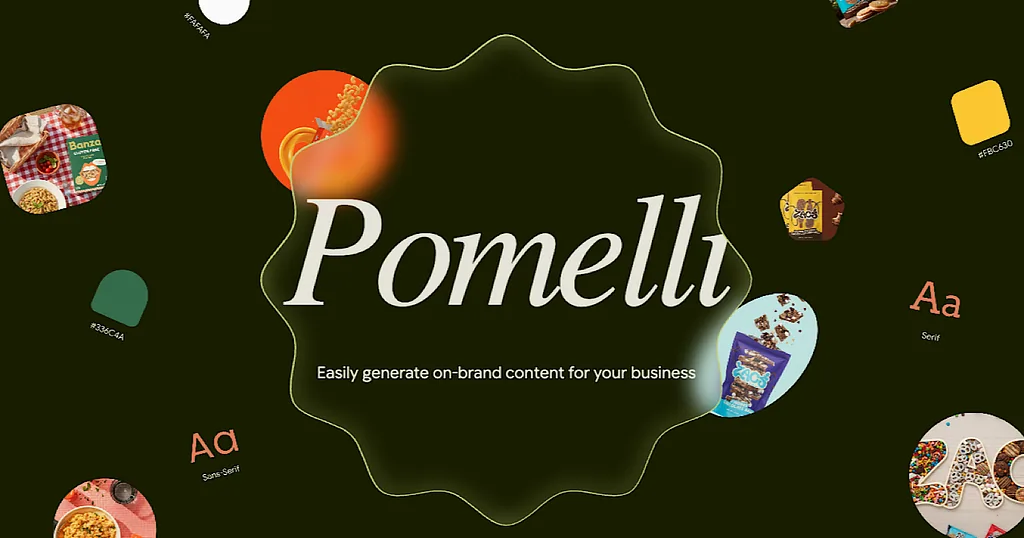
Pomelli focuses on brand and marketing generation. It’s useful when you want AI outputs that stay closer to a defined identity.
I see it as:
a creative accelerator
a way to explore campaign directions
a support tool, not a final answer
Not everything it generates is usable, and that’s fine.
A Pattern I Keep Seeing
Most of these tools work best when they connect with each other. The real value is not in using all of them, but in choosing the ones that fit your way of working and reduce friction where it actually matters.
AI doesn’t replace judgment or experience. Used with intention, it helps you focus on what really matters. That’s why these tools stayed in my workflow.
That’s how these tools fit into my work. Not to rush decisions, but to move with more clarity, less friction, and better results over time.